
Laptop Won't Charge: Charging Port & Battery Repair
Chargers, charging ports and batteries diagnosed so you replace the part that actually failed.
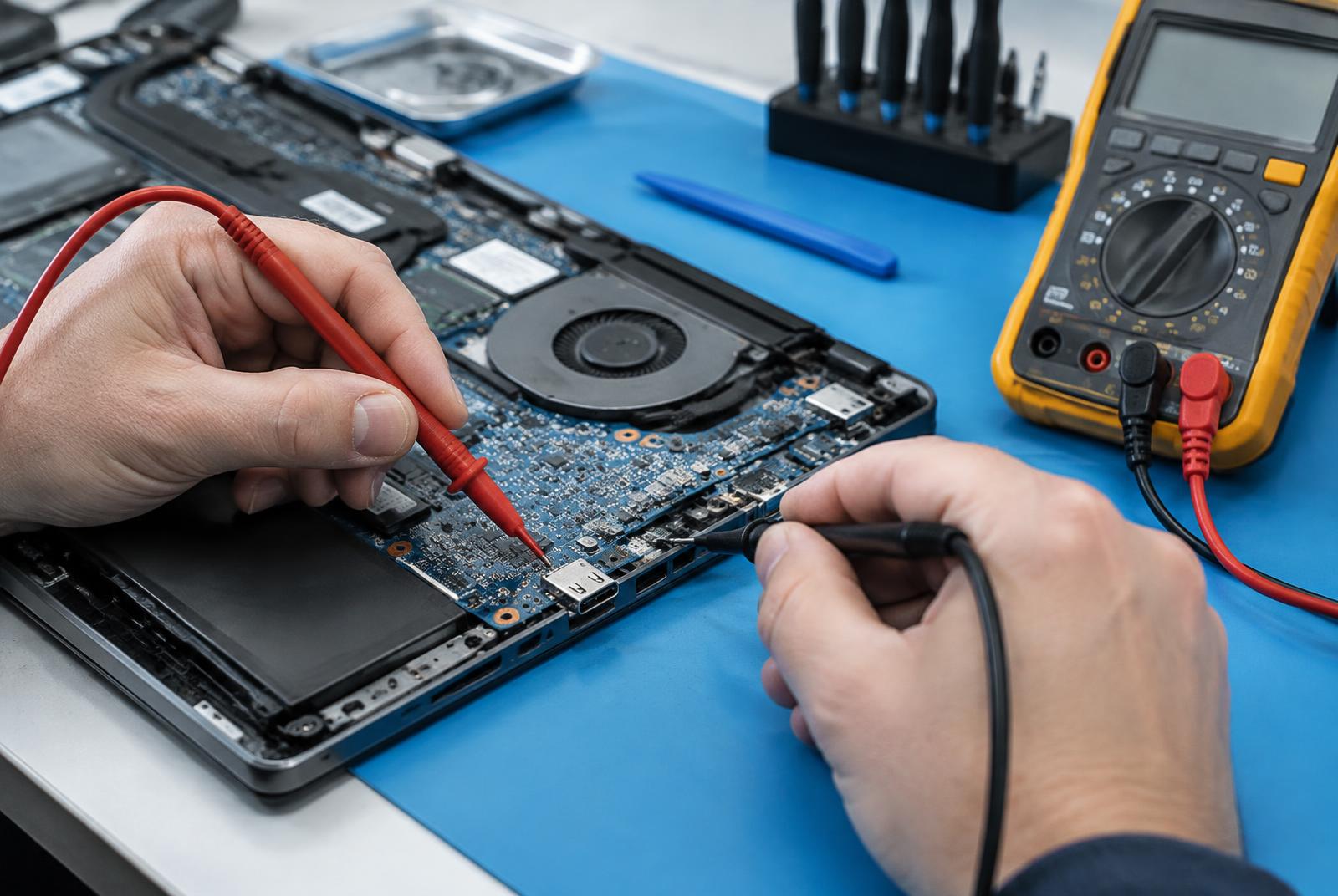
Illustrative stock photography — not a specific customer repair.
Does this sound like your computer?
- Plugged in but not charging, or charging only at certain cable angles.
- The battery drains quickly or dies without warning.
- The laptop only runs while connected to power.
Common possible causes
These are the usual suspects, not a remote diagnosis — the only way to know which applies to your machine is to test it.
- A failed charger or a damaged cable
- A loose or broken charging port
- A battery at the end of its usable life
- A charging circuit fault on the board
How Nick handles it
- 1The charger is tested before any internal part is suspected.
- 2Port, battery health and charging behaviour are each checked separately.
What affects your quote
- Charger versus battery versus port repair
- Battery availability for your model
- How much disassembly the port requires
Estimates are free
No flat prices are published for this work because an honest number depends on the diagnosis and the parts. You get the price before anything happens. Pickup or drop-off is arranged directly when you call or text.
How pricing worksWebsite design and development, too
Nick does more than fix computers. He also offers website design and website development for businesses in Buffalo and Western New York — built fast, usually within about a week, with SEO handled as part of the build so your site can actually be found on Google.
- Website design and website development for small and local businesses
- Most builds finished in about one week
- SEO set up as part of the build, not sold as an extra later
- Free estimate on website work, same as repairs
Other repairs Nick handles
Tell Nick what your computer is doing
Call or text 716-288-6390 with your town, the make and model, and a short description. Estimates are free.