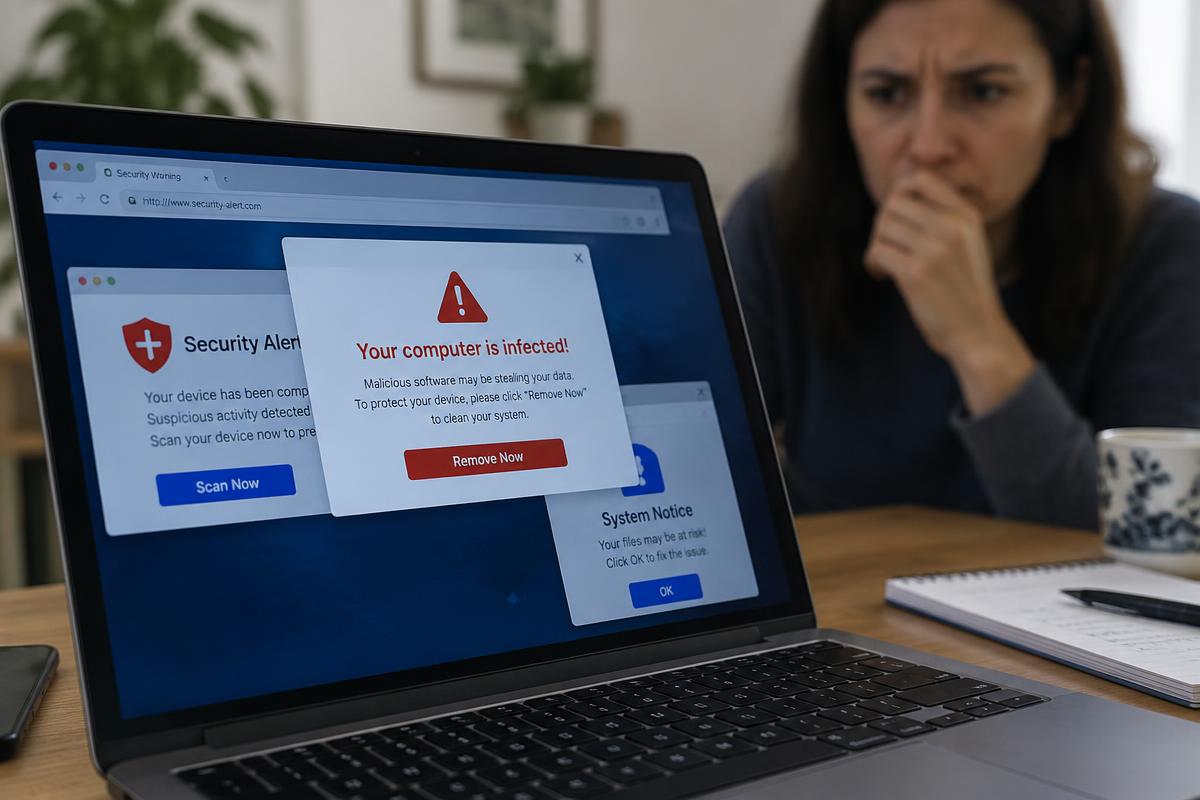
Illustrative stock photography — not a specific customer repair.
First: do not call the number
A pop-up that fills the screen, plays a sound, and tells you to call a support number is a scam, every time. Microsoft and Apple do not put phone numbers in browser warnings. Calling it puts a stranger in a position to ask for remote access and payment.
Where pop-ups actually come from
There are usually three sources, and they are fixed differently.
- Browser notifications you allowed by accident — revoke the permission in your browser's notification settings.
- Adware or an unwanted extension installed alongside a free download.
- A scheduled task or startup program that pushes ads even when no browser is open.
The giveaway that it is not just the browser
If pop-ups appear while no browser window is open, the source is on the computer, not on a website. That usually needs the startup items, scheduled tasks and installed programs checked properly, not just a browser reset.
Want it looked at properly?
Estimates are free and you hear the price before any work starts.
Pop-up removal