
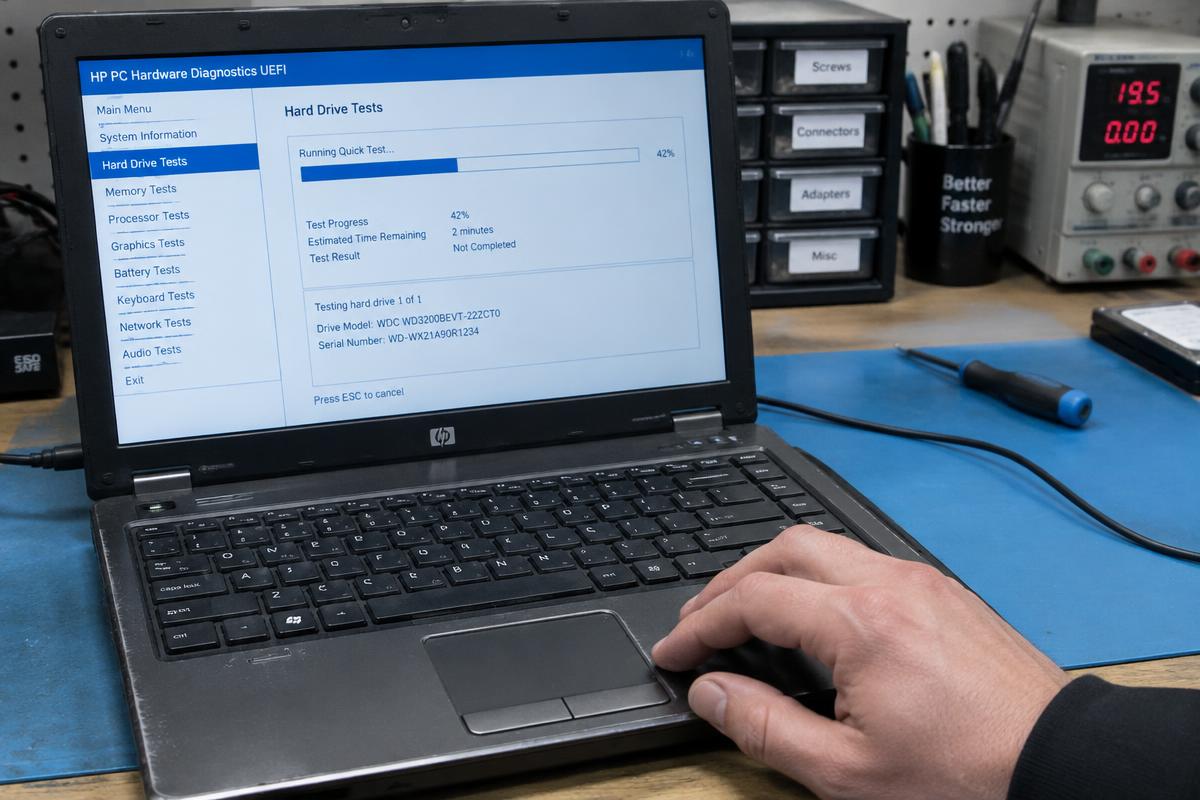
Illustrative stock photography — not a specific customer repair.
The short answer
If your laptop takes minutes to reach the desktop and then crawls through ordinary tasks, the most common cause on machines more than a few years old is an aging mechanical hard drive. The second most common is a drive that is nearly full. After that come background programs, unwanted software, and overheating.
Safe things to check yourself
None of these risk your files, and any of them might be the whole problem.
- Restart properly. Shut down and power back on rather than closing the lid for weeks at a time.
- Check free space. If your main drive is nearly full, Windows has nowhere to work.
- Open Task Manager and look at the Startup tab. Disable programs you do not need launching with Windows.
- Uninstall software you no longer use, especially anything you do not remember installing.
- Make sure Windows updates have actually finished installing.
- Feel the vents. If the machine is hot and the fan is loud, heat may be throttling it.
When it is worth a professional look
If the machine is still slow after that, testing tells you what guessing cannot: whether the drive is failing, whether memory is the bottleneck, whether something unwanted is running, or whether heat is the real culprit. Those tests are part of a free estimate, and the point of them is to avoid spending money on an upgrade that would not have helped.
Want it looked at properly?
Estimates are free and you hear the price before any work starts.
Slow computer repair