
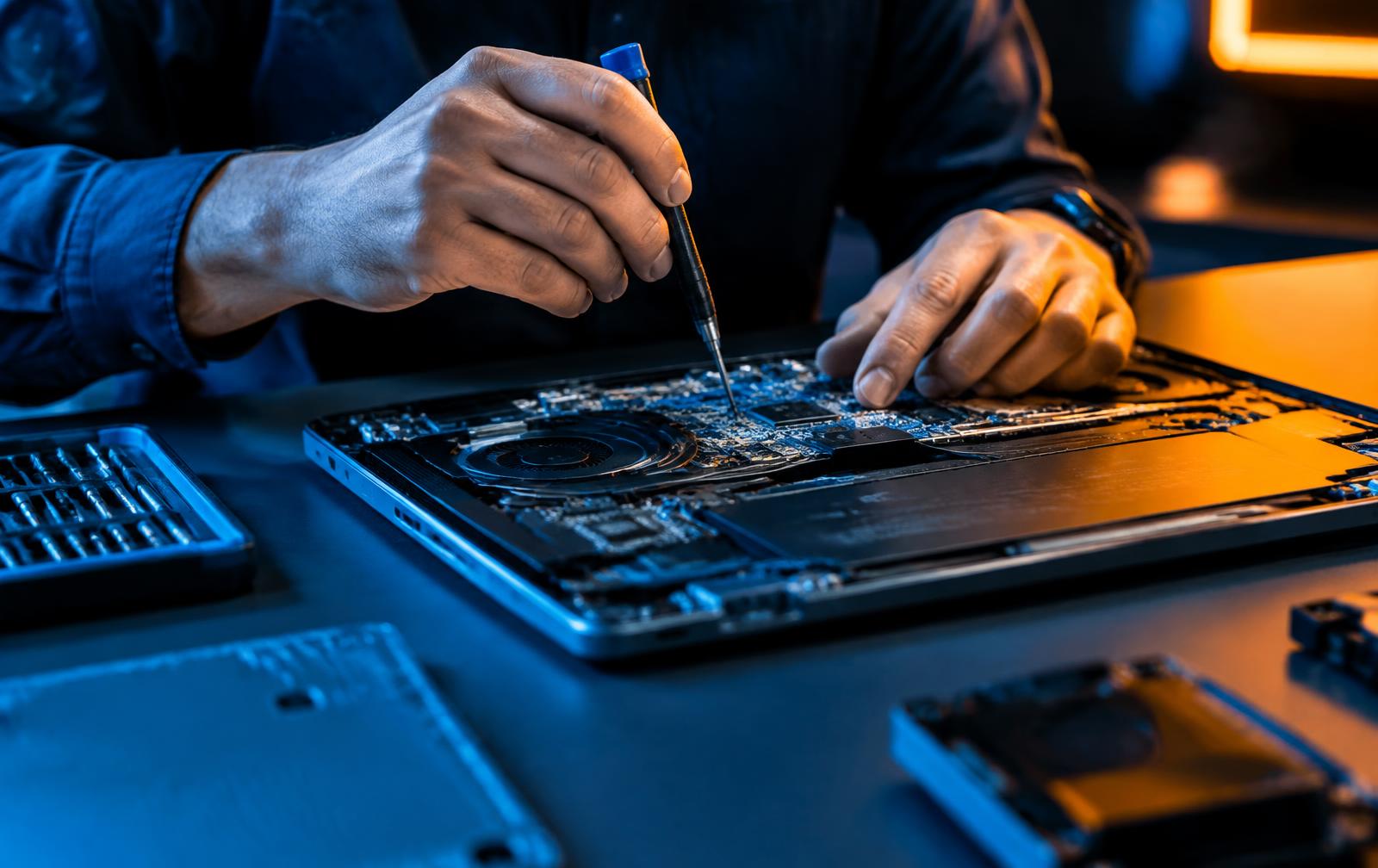
Illustrative stock photography — not a specific customer repair.
Three likely culprits
Almost every 'plugged in, not charging' laptop comes down to the charger, the charging port, or the battery. Which one it is decides whether this is a small cost or a bigger one.
Checks that cost nothing
- Try a different outlet, and check whether the charger's light comes on.
- Inspect the cable for kinks, especially near both ends.
- Wiggle-test the plug at the laptop: if charging flickers with movement, suspect the port.
- Note whether the laptop runs on the charger with the battery flat — that points away from the charger.
- Check the battery health report in Windows if you can reach the desktop.
When to stop and get it tested
If the port feels loose or the connector wobbles inside the case, stop using it. Continued use can turn a port repair into board damage. Testing is part of the free estimate.
Want it looked at properly?
Estimates are free and you hear the price before any work starts.
Laptop charging repair