
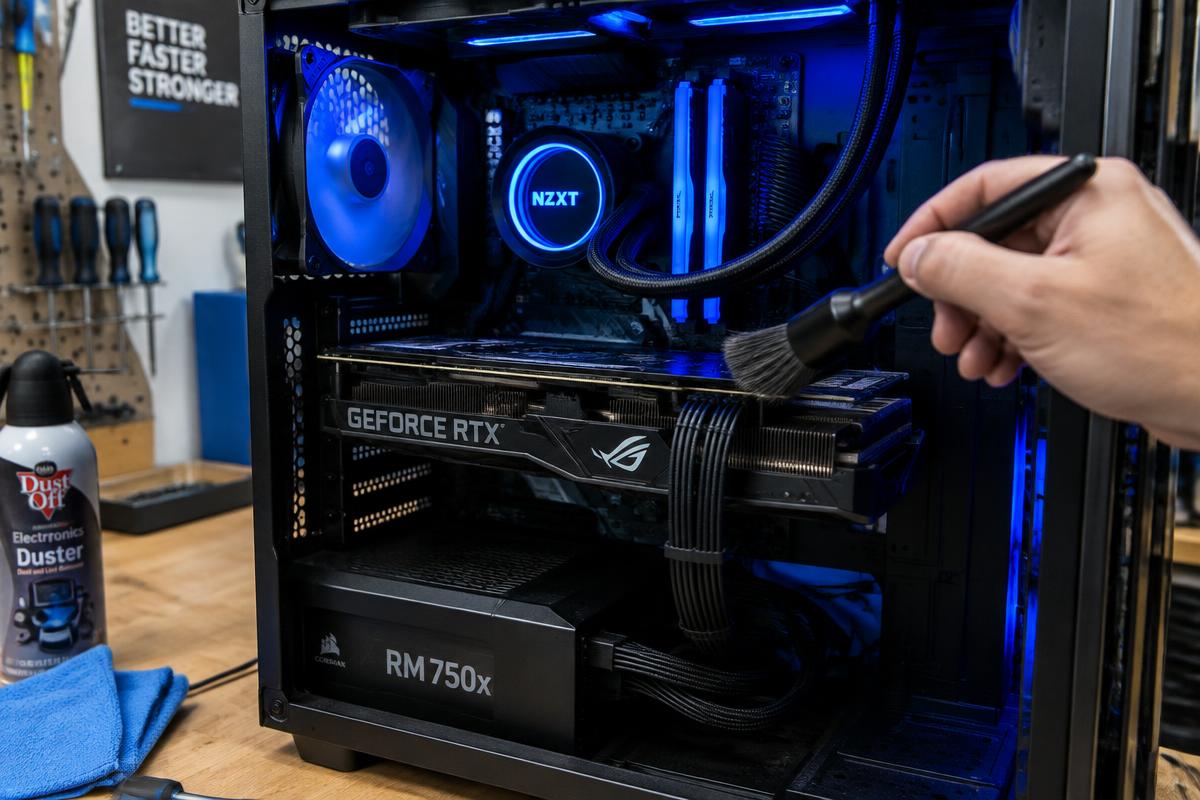
Illustrative stock photography — not a specific customer repair.
The rule that actually works
Keep important files in more than one place, and make sure at least one of those places is not inside the computer. A single copy on the machine is not a backup, no matter how organised it is.
Two practical options
- An external drive, with your documents and photos copied onto it on a regular schedule you will actually keep.
- A cloud service that syncs your documents and photos folders automatically, which removes the discipline problem.
Test it once
Open a couple of files directly from the backup. A backup nobody has ever restored from is only a hope. Five minutes of checking now is worth far more than a recovery attempt later, since recovery is never guaranteed.
Want it looked at properly?
Estimates are free and you hear the price before any work starts.
Data recovery