
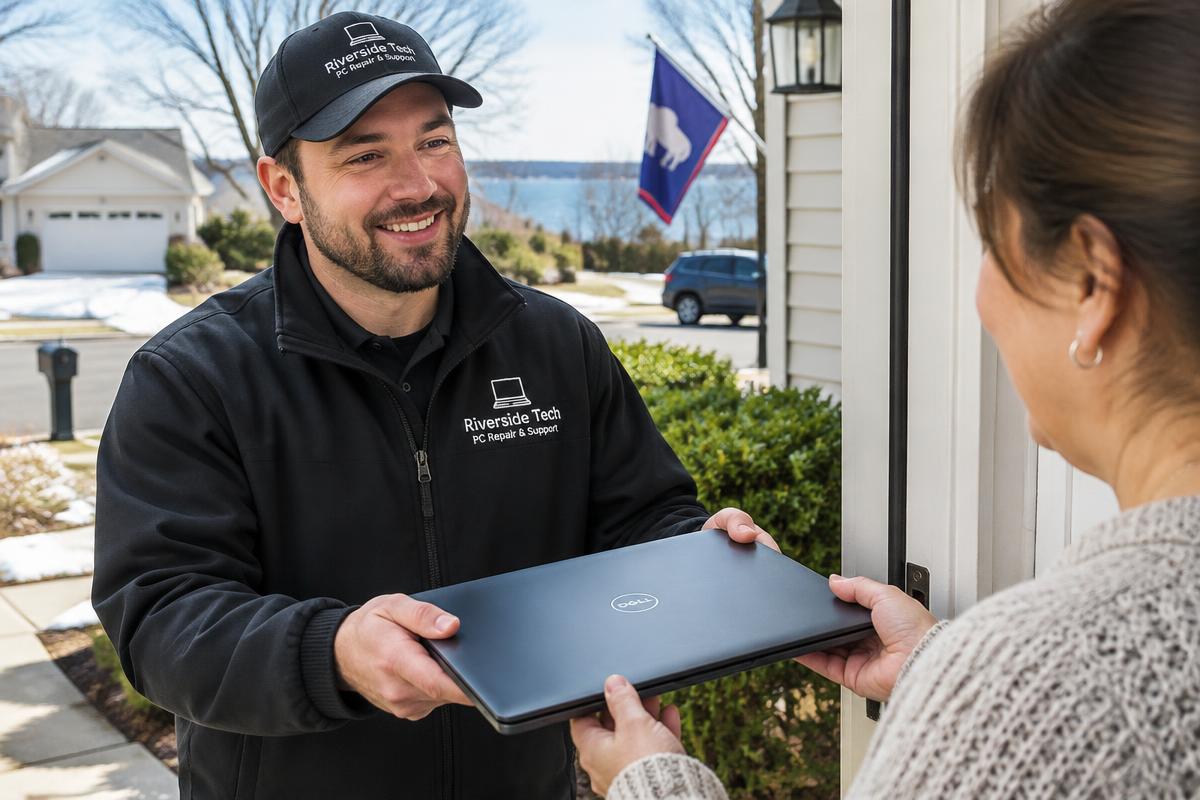
Illustrative stock photography — not a specific customer repair.
Before you hand it over
- Back up anything irreplaceable if the machine still starts — photos and documents first.
- Write down your Windows sign-in PIN or password; without it some work cannot be completed.
- Bring the charger. For a desktop, the tower and power cable are usually enough.
- Note exactly when the problem started and what changed just before it.
- Photograph any error message rather than trying to remember the wording.
- Say up front if there are files you cannot afford to lose — it changes how the work is approached.
What you do not need to do
You do not need to wipe the machine, fix it partially, or apologise for its condition. Describing what it is doing in your own words is genuinely the most useful thing you can provide.
Want it looked at properly?
Estimates are free and you hear the price before any work starts.
Pickup and drop-off