
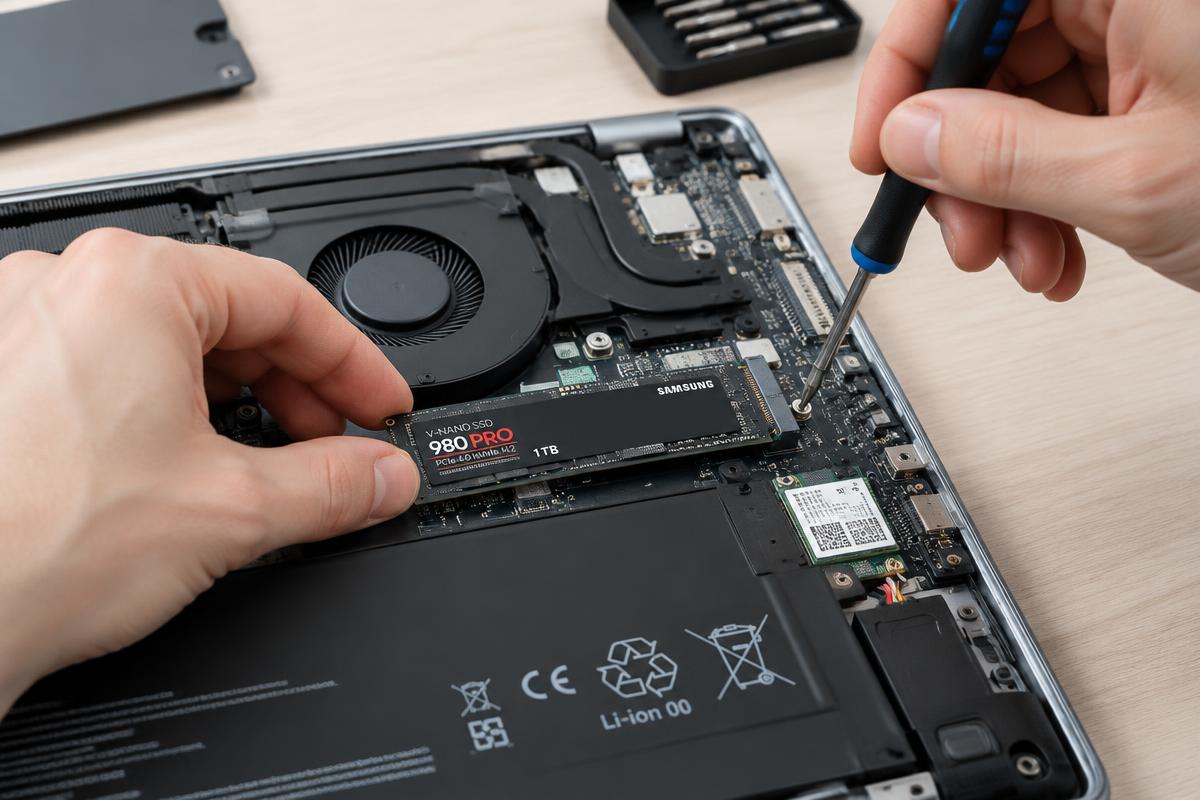
Illustrative stock photography — not a specific customer repair.
When the upgrade wins
If the laptop still has a mechanical hard drive, an SSD is usually the biggest single improvement available. Machines that took minutes to start often reach the desktop in seconds afterwards, and the rest of the hardware may be perfectly adequate for browsing, email, documents and video.
When replacement makes more sense
- The machine already has an SSD and is still slow — the bottleneck is elsewhere.
- Multiple things are failing at once: battery, hinge, keyboard, screen.
- The processor is old enough that even a fast drive leaves it struggling.
- The repair total starts approaching the price of a suitable new machine.
How to tell which you are in
Finding out whether your machine has an SSD or a hard drive, and whether memory is the constraint, takes a few minutes of testing. That answer is free — and it is the difference between a worthwhile upgrade and a wasted one.
Want it looked at properly?
Estimates are free and you hear the price before any work starts.
SSD and hard drive upgrades