
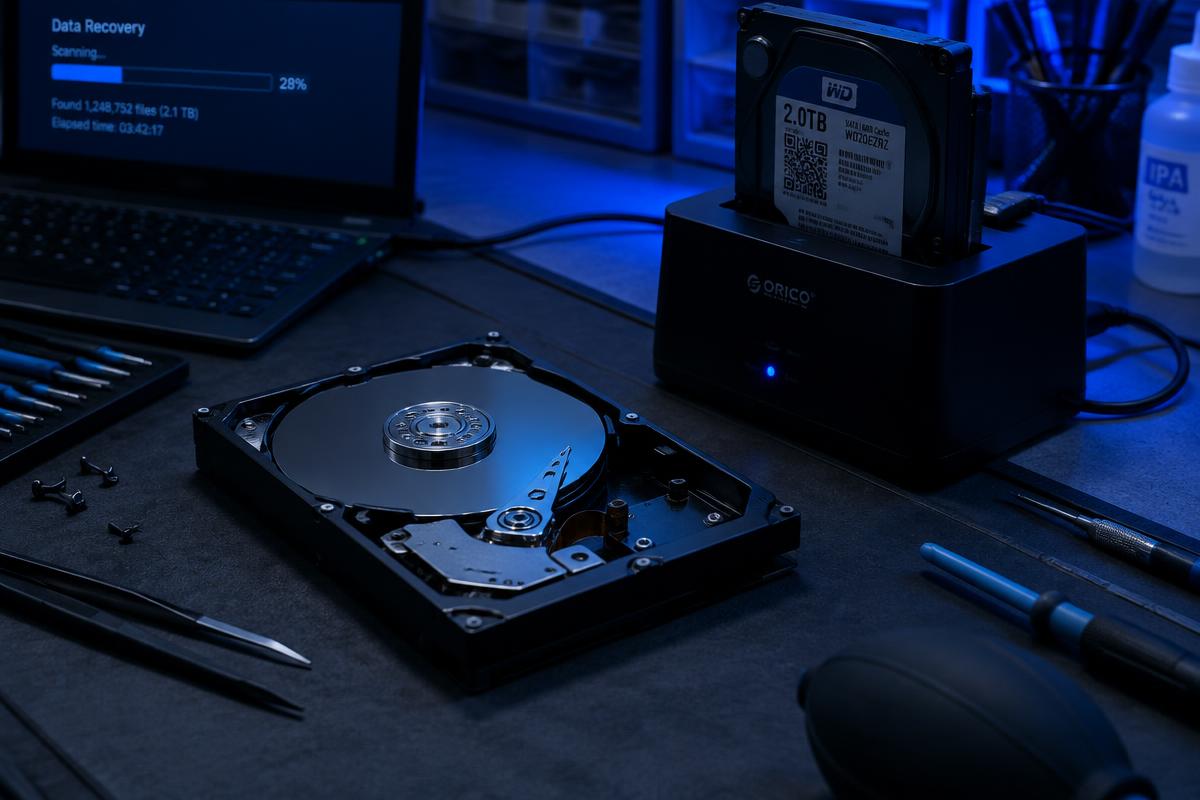
Illustrative stock photography — not a specific customer repair.
The short answer
Back up anything irreplaceable if the machine still runs, write down exactly what it is doing and when it started, and bring the charger. That is most of it.
The checklist
- Copy photos, documents and anything you cannot replace to an external drive or a cloud service, if the computer still boots.
- Note the symptoms in specific terms — the exact wording of any error message matters more than a general description.
- Note when it started and what changed just before, such as an update, a spill, a drop or a download.
- Bring the charger or power cable. A dead battery can look like a dead computer.
- Have your Windows or account sign-in details available so the machine can actually be tested after the repair.
- Say up front if there is data on it you cannot lose, so it is treated accordingly from the start.
If the computer will not turn on at all
You cannot back up from a machine that will not start, so do not force it by powering it on repeatedly — with a failing drive that can make recovery harder. Bring it as it is and say clearly that the files matter. Recovery depends on the device and the damage and is never guaranteed, but the odds are best when the drive has not been pushed.
Want it looked at properly?
Estimates are free and you hear the price before any work starts.
Data recovery