
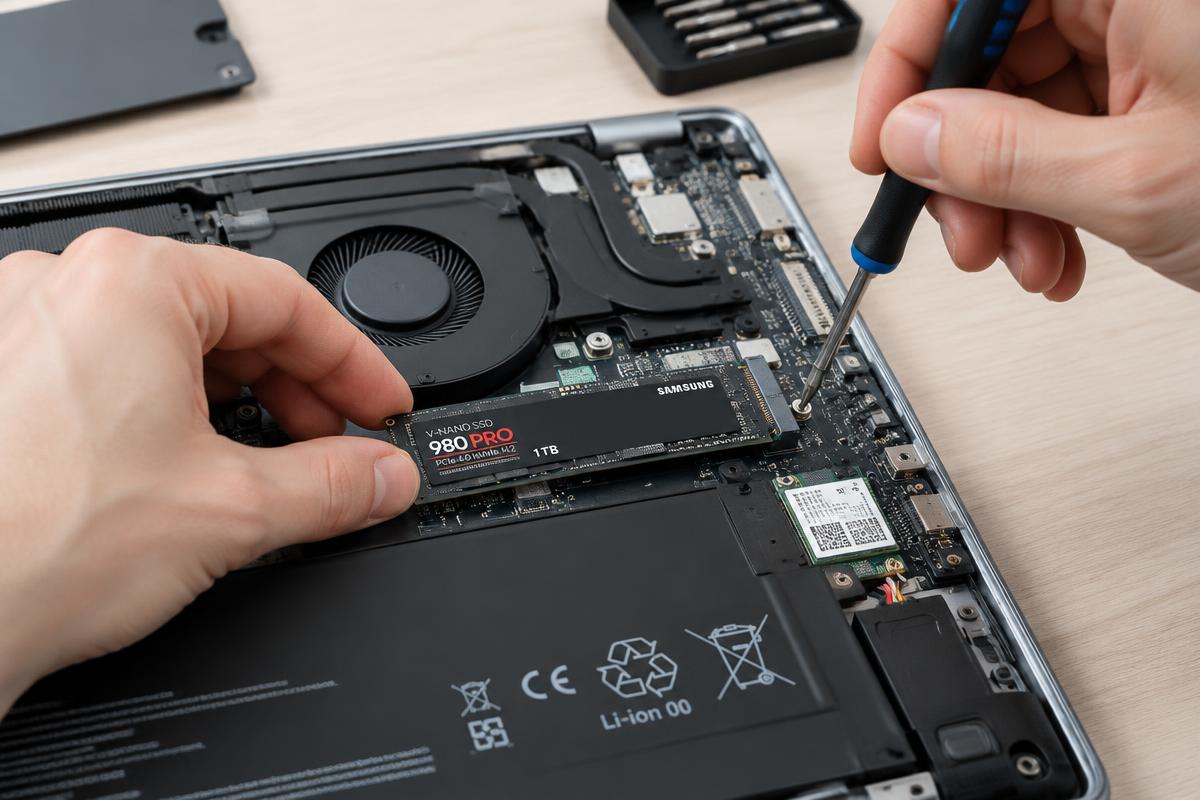
Illustrative stock photography — not a specific customer repair.
The short answer
Yes, if the computer currently uses a mechanical hard drive. Start-up, opening programs and general responsiveness all improve dramatically. If the machine already has a solid-state drive, the slowdown is something else and an upgrade will not fix it.
How to tell which drive you have
On Windows, open Task Manager, go to the Performance tab and look at the disk entry — it usually says HDD or SSD. A drive you can hear clicking or spinning up is mechanical. If you are not sure, that check is part of a free estimate.
What an upgrade involves
- Confirming the machine is otherwise healthy, so you are not upgrading a computer with a different underlying fault.
- Copying your existing system and files across, or a fresh install where that is cleaner.
- Checking that the machine boots, updates and behaves normally afterwards.
- Backing up first, because any drive work involves handling your data.
When it will not help
If the real bottleneck is too little memory, an infection, overheating or a failing component, a faster drive papers over it at best. That is the reason for testing before recommending the upgrade. Call or text 716-288-6390 for a free estimate.
Want it looked at properly?
Estimates are free and you hear the price before any work starts.
SSD and hard drive upgrades